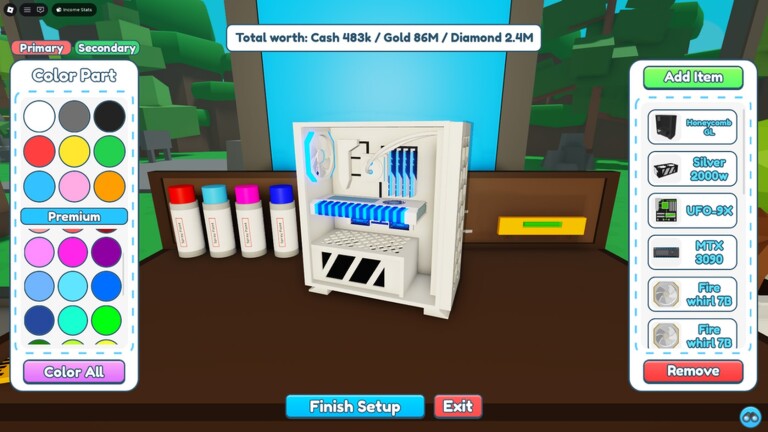
Players look for three official Custom PC Tycoon places: the Trello board for update plans, the Discord server for announcements and new codes, and the wiki for items and mechanics. Below are the links we verified on 6 November 2026 — if a game has no official board or server, this page says so honestly instead of sending you to a fake.
For the codes themselves, see our Custom PC Tycoon codes page — cross-checked and updated daily.
The official Discord is where new codes are usually announced first, along with update news, events and community channels. It is run by the game’s own team.
Join the official Custom PC Tycoon Discord server
No. As of 6 November 2026, Custom PC Tycoon does not have an official Trello board. Be careful with fan-made boards that claim to be official — the developers share update news through the official Discord server instead.
The official Custom PC Tycoon Discord server is linked on this page. It is where the developers announce codes and updates first.
On our Custom PC Tycoon codes page — every code there is cross-checked against at least two independent sources before it is listed.
Follow getrobloxcodes on Pinterest — we pin every new Roblox code list as soon as it drops, so free rewards never expire on you.
One click and you follow us straight away — you stay on this page.
